

Who Next.js is for
Next.js fits SaaS companies, startups with design systems in code, content sites that benefit from headless CMS + preview, and hybrid marketing/app…
Read more →Next.js platform
Next.js is a React framework for building fast, component-driven websites and application front ends — with server rendering, static generation, and modern routing as first-class tools. 66sites uses…

Next.js is a React framework for building fast, component-driven websites and application front ends — with server rendering, static generation, and modern routing as first-class tools. 66sites uses Next.js when you need engineering control beyond CMS canvases: design systems in code, complex interactive UI, or marketing sites tightly coupled to product experiences.
This is a different world from WordPress themes, Shopify Liquid, or Webflow’s visual canvas. Content often comes from a headless CMS, Git-based workflow, or your own APIs. Deployments are engineering events. The payoff is performance, flexibility, and UX that builders struggle to express; the cost is that non-developers do not “open the page and drag a section” unless you deliberately build that editing layer.
We recommend Next.js for product-led brands, SaaS marketing sites with app-like sections, and teams with (or hiring) comfort around modern JS workflows. We recommend against it when a service business only needs editable WordPress pages and would be burdened by a deployment pipeline they will never use.
Practical website, conversion and SEO work tailored to how your buyers actually decide.
Next.js fits SaaS companies, startups with design systems in code, content sites that benefit from headless CMS + preview, and hybrid marketing/app…
Read more →
Component architecture shared between marketing UI and product UI when desired.Strong performance patterns via SSR/SSG/ISR and modern bundling — when…
Read more →
Editing experience depends on the CMS/preview setup you build — not included automatically.Requires hosting, CI/CD, and JavaScript engineering skills…
Read more →A look at website designs and layouts we build for service businesses — mockups and project types, not fabricated client claims.
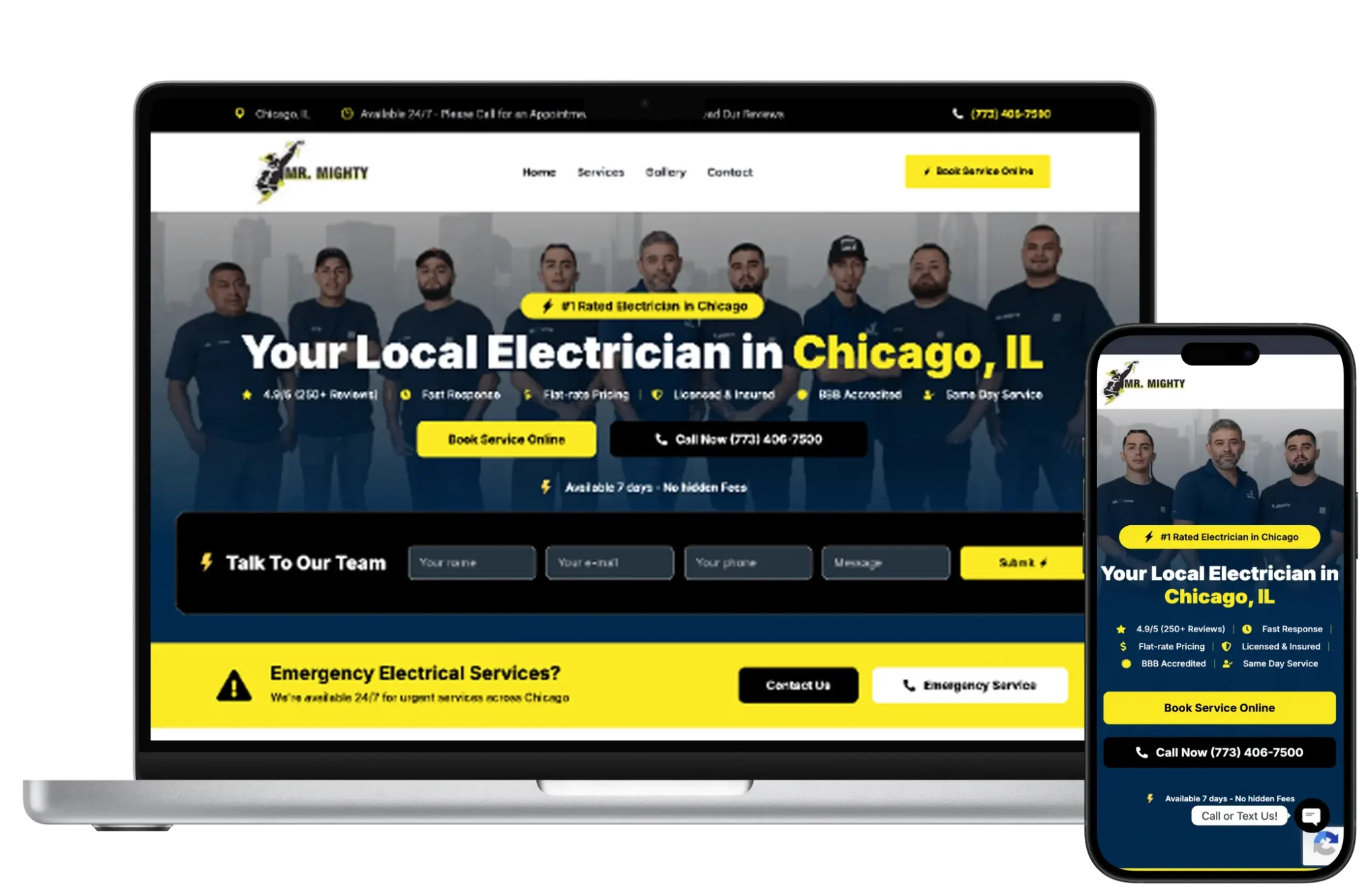


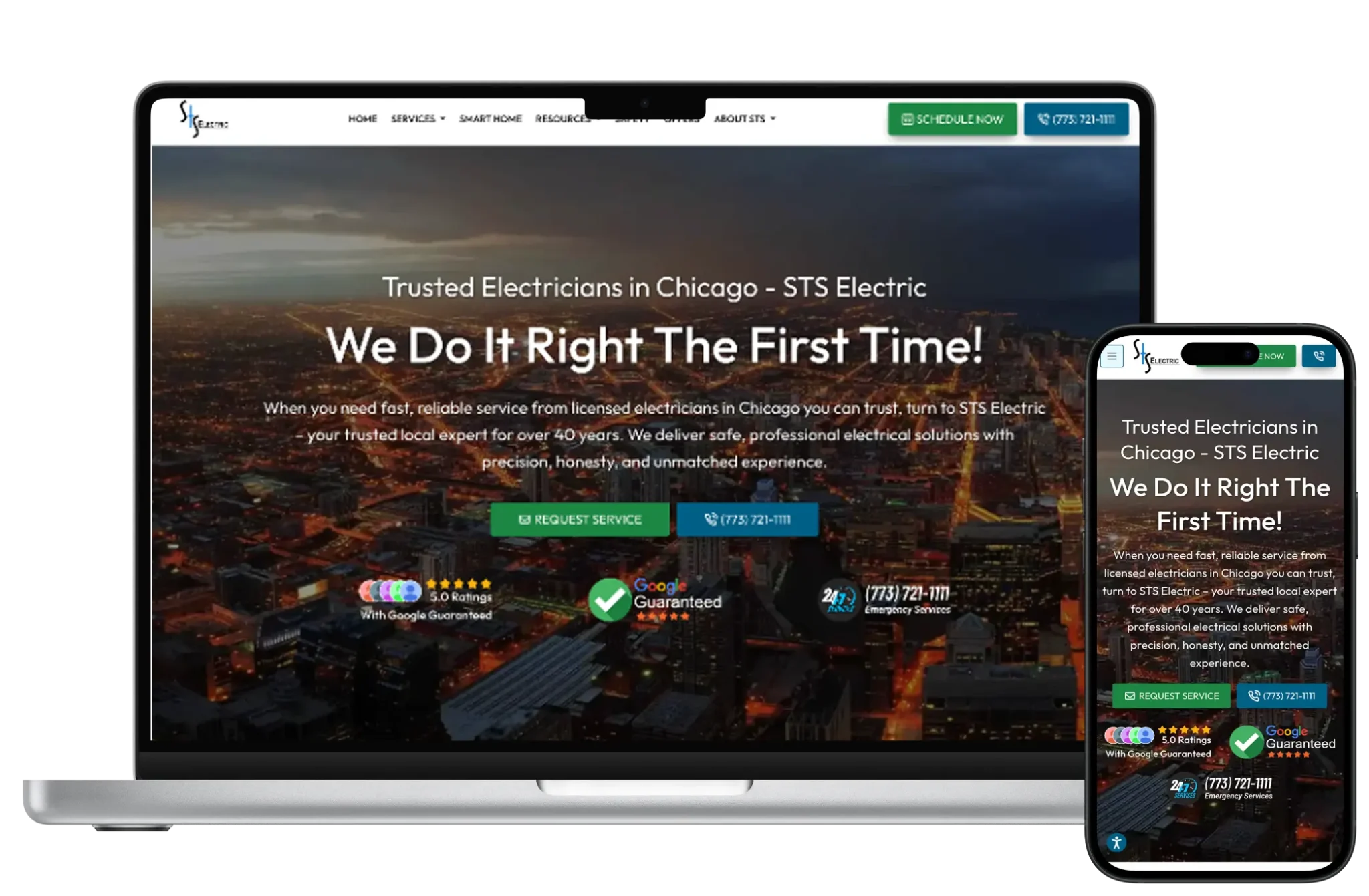


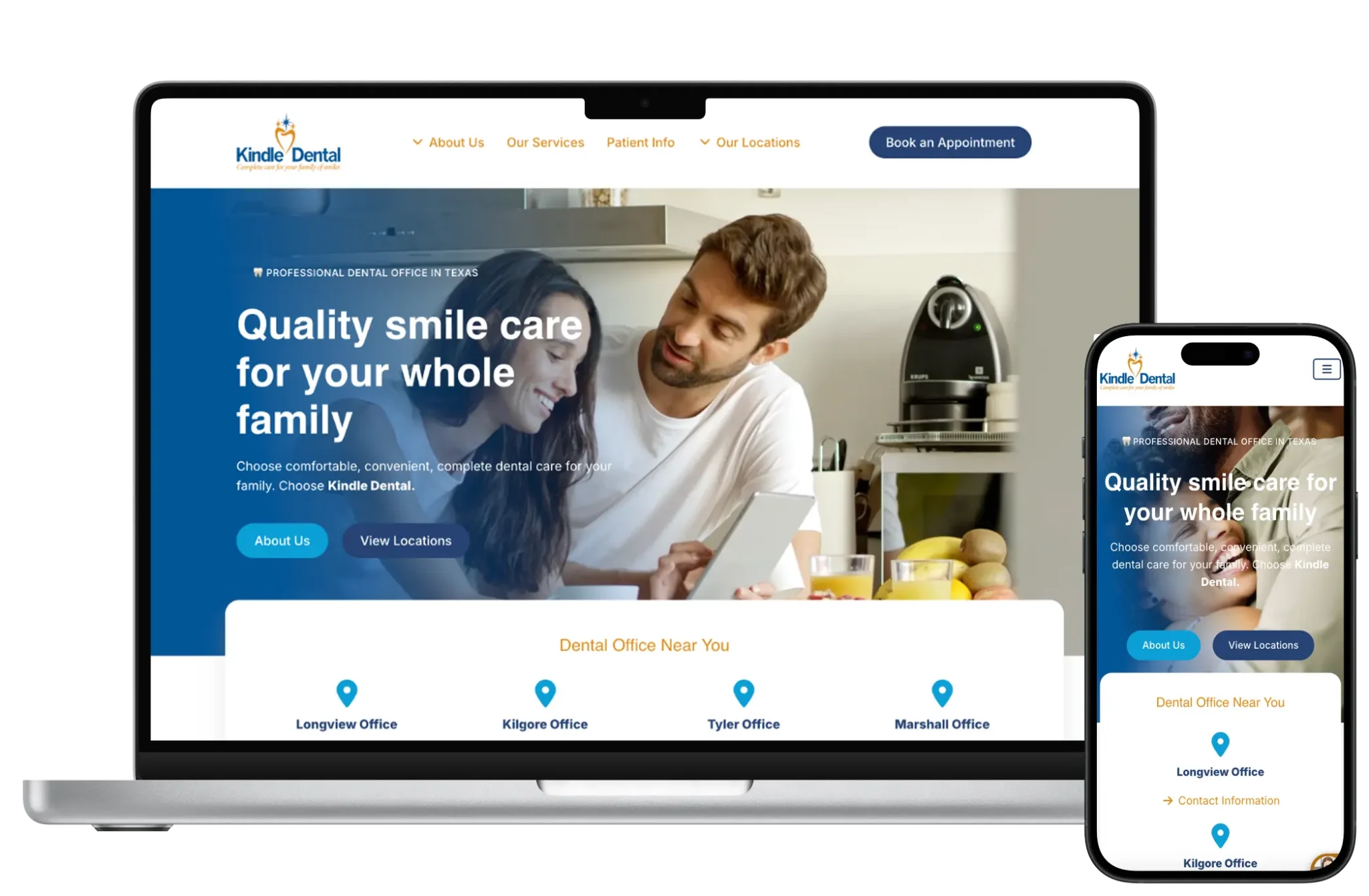

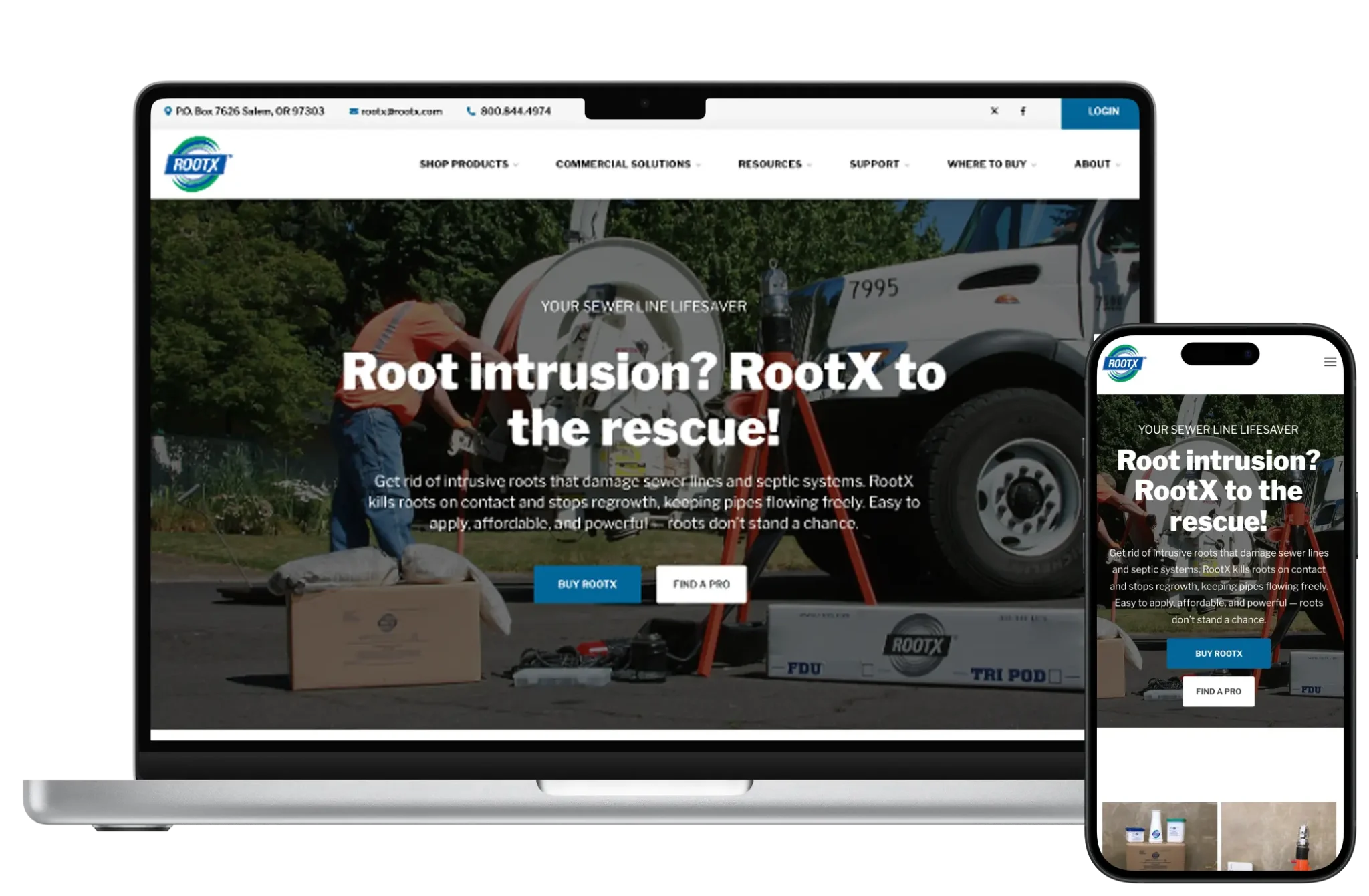

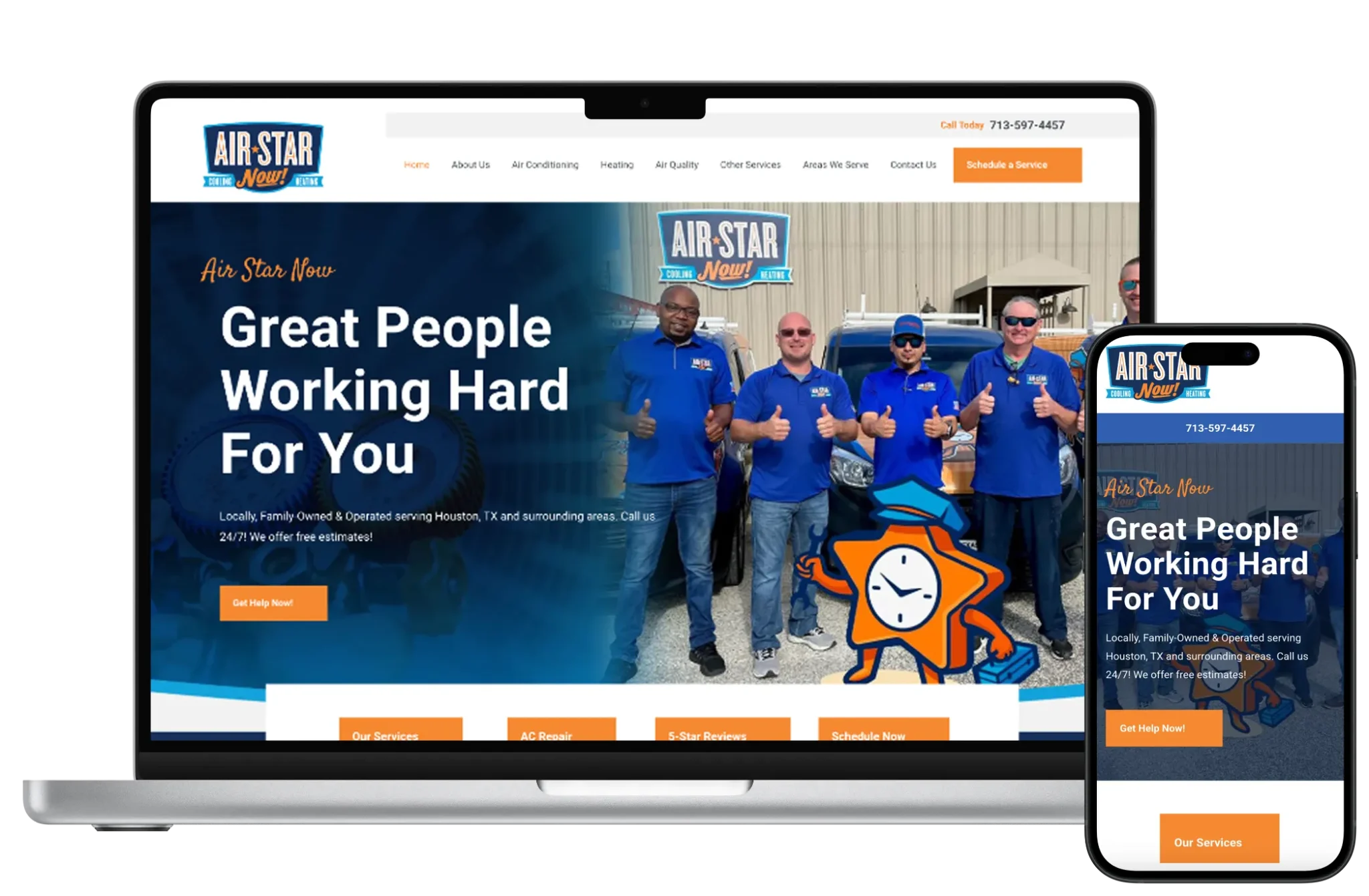
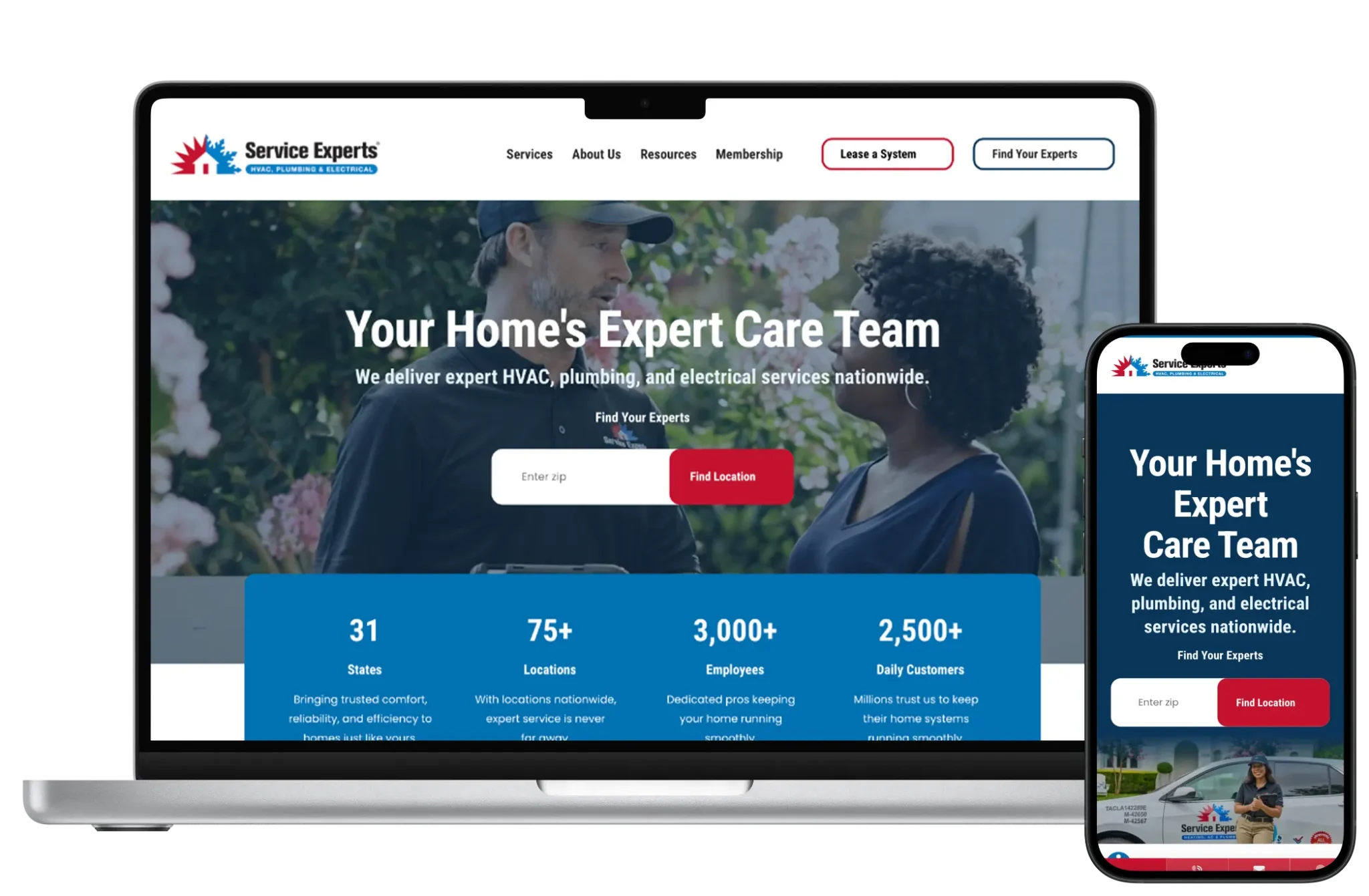





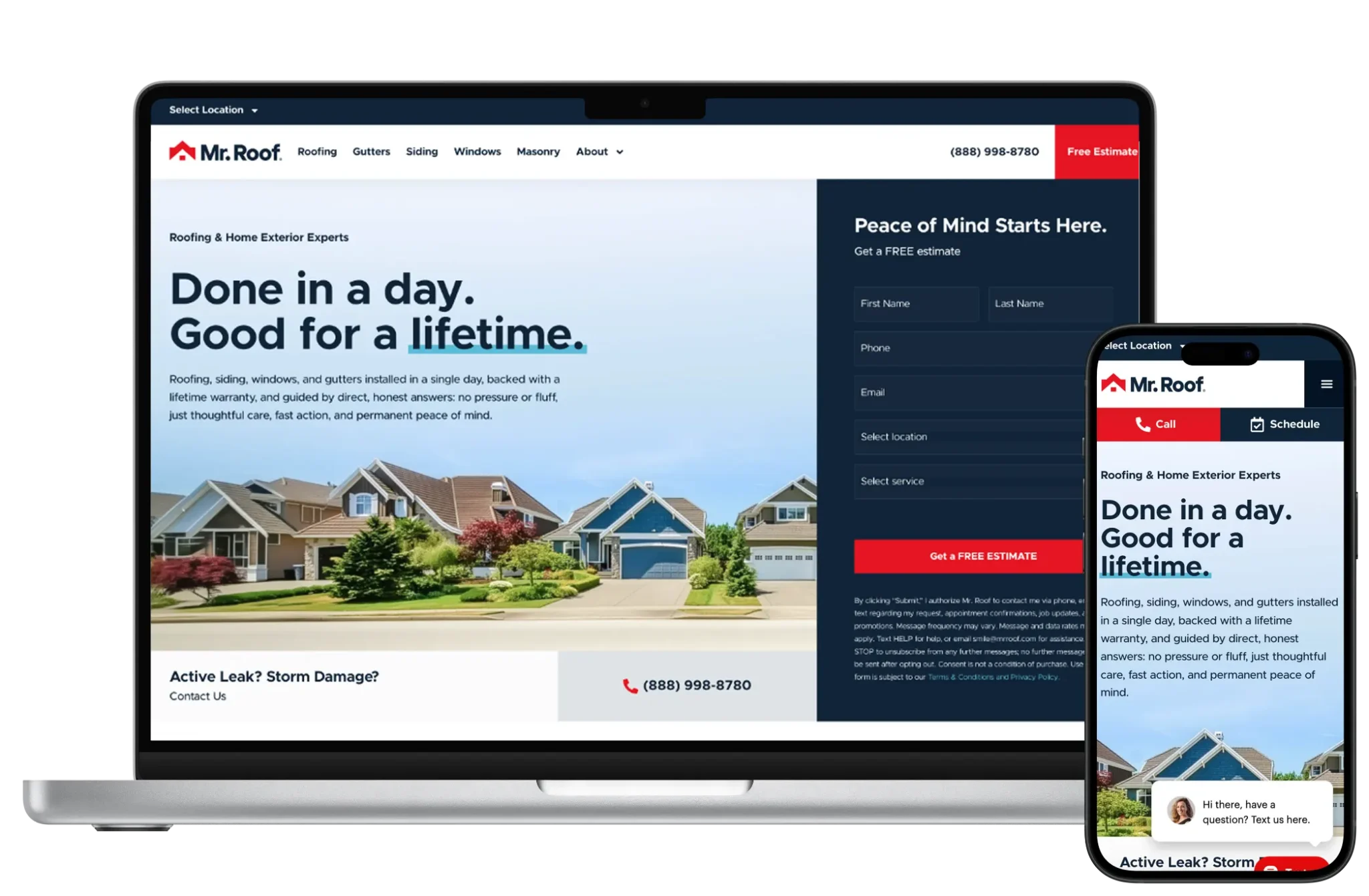




Design for Next.js is a coded design system: typography, spacing, motion, and components implemented in React. We still follow brand-first landing compositions — not dashboards — but the delivery medium is components, not Elementor sections.
Motion and interaction can be richer than typical CMS themes, used intentionally for hierarchy rather than noise. Design handoff expects engineering partnership, not a one-way PDF.

Development includes architecture (app router patterns, data fetching, CMS integration), accessibility, analytics, and preview workflows for editors when a headless CMS is in play.
We set CI, environment separation, and monitoring so releases are boring. Laravel or other APIs often sit behind Next for auth-heavy product features.

Next.js can be excellent for SEO when pages render meaningful HTML, metadata is managed per route, and sitemaps/canonicals are intentional. Client-only rendering of primary content is avoided for key marketing URLs.
Headless CMS content models must still reflect search intent and IA — the framework does not invent topical strategy.
We implement technical foundations and iterate content with whoever owns the CMS. No ranking guarantees.

Maintenance means dependency updates, security patches in the JS stack, content model changes, and feature slices under the subscription. This looks more like product engineering than plugin updates.
We keep a prioritized backlog so marketing pages and UX fixes ship continuously without giant rewrite projects.
Yearly plans that include design, development, maintenance and SEO foundations — without a large upfront project fee.
For small businesses that need a professional site without a large upfront build.
Best for local and service businesses ready to generate more leads every month.
For growing brands that need ongoing development, SEO and conversion work.
Large sites, complex integrations, multi-location brands and custom applications.
Hosting (Vercel or alternatives), headless CMS seats, and related SaaS tools are billed by those vendors — separate from 66sites.
66sites subscriptions (typically Growth $299 / Pro $399 / Enterprise for this stack) cover design system implementation, development, maintenance, and SEO engineering. Setup fees reflect application complexity.
Next.js without ongoing engineering becomes a frozen repo. Subscription care keeps dependencies current and marketing routes evolving with the product.
66sites bridges design and development so the front end stays on-brand and measurable — not a developer demo that marketing cannot update.
Full notes for challenges, strategy and supporting pages — so the sections above stay scannable.
Next.js fits SaaS companies, startups with design systems in code, content sites that benefit from headless CMS + preview, and hybrid marketing/app experiences that share React components.
Skip Next.js when stakeholders need Webflow/WordPress-style editing daily with no developer involvement, when budgets cannot support proper hosting/CI, or when Shopify/WordPress already meet the job with less overhead.
Security includes dependency auditing, environment secrets hygiene, auth boundaries with backend APIs, and careful handling of preview tokens for headless CMS.
Front-end hosting providers secure infrastructure; application security remains a shared engineering responsibility.
Performance wins come from sensible rendering choices, image optimization, and lean client JS. Shipping a huge SPA where static HTML would do wastes the framework’s strengths.
We budget JavaScript ruthlessly on marketing routes — especially when paid traffic is involved.
Migrations onto Next.js usually rebuild templates as React components while moving content into a headless CMS or MD/contentlayer setup. Redirect maps protect SEO equity.
Migrating away (e.g., to WordPress) is possible but means leaving the component model — plan as a redesign, not an export.
Straight answers about scope, pricing, ownership and what a subscription includes for this page.
For app-like front ends and coded design systems, often yes. For editor-driven service sites, WordPress is frequently simpler and more appropriate.
Yes if we pair it with a headless CMS and preview workflow. Without that, most changes need developers.
Often. Choice depends on editorial needs, preview requirements, and budget. We do not force a CMS brand.
No. It can support strong technical SEO; rankings still depend on content, authority, and competition.
Yes via headless Shopify or custom commerce APIs. Many brands still prefer Shopify themes until headless complexity is justified.
Through Git-based CI to your host. We set the pipeline and keep releases reviewable.
After an audit, often yes. Unmaintainable codebases may need remediation before monthly care makes sense.
Usually Growth, Pro, or Enterprise. Starter is rarely enough for a real Next.js estate.
Next.js design systems and engineering with monthly care — when WordPress or Webflow aren’t the right tool.