

Who Elementor is for
Elementor fits WordPress sites that need frequent landing pages, marketers who want visual control, and teams accepting some front-end weight in…
Read more →Elementor (WordPress builder)
Elementor is a visual page builder for WordPress that lets teams assemble marketing pages quickly with a drag-and-drop canvas. 66sites uses Elementor selectively when campaign velocity and…
Elementor is a visual page builder for WordPress that lets teams assemble marketing pages quickly with a drag-and-drop canvas. 66sites uses Elementor selectively when campaign velocity and stakeholder visual editing matter — and we are explicit about the CSS/JS weight and long-term maintainability trade-offs versus Bricks or native Gutenberg.
Elementor is not a platform like Shopify or Webflow; it is a builder layer on WordPress. That means you still inherit WordPress hosting, security, and plugin realities — plus Elementor’s own update and template model. Used with discipline, it ships landing pages fast. Used as a substitute for architecture, it creates slow, fragile sites full of nested sections nobody wants to touch.
We design component libraries inside Elementor (or recommend leaving it) so marketing can move without turning every page into a unique snowflake. Subscription care includes update QA and performance budgets — not blind “Elementor for everything.”
Practical website, conversion and SEO work tailored to how your buyers actually decide.
Elementor fits WordPress sites that need frequent landing pages, marketers who want visual control, and teams accepting some front-end weight in…
Read more →
Fast visual assembly of marketing and landing pages on WordPress.Theme Builder patterns for headers, footers, and archive templates when configured…
Read more →
Front-end weight: extra CSS/JS compared with lean custom themes or Bricks-style output.Easy to create inconsistent spacing and one-off layouts…
Read more →A look at website designs and layouts we build for service businesses — mockups and project types, not fabricated client claims.
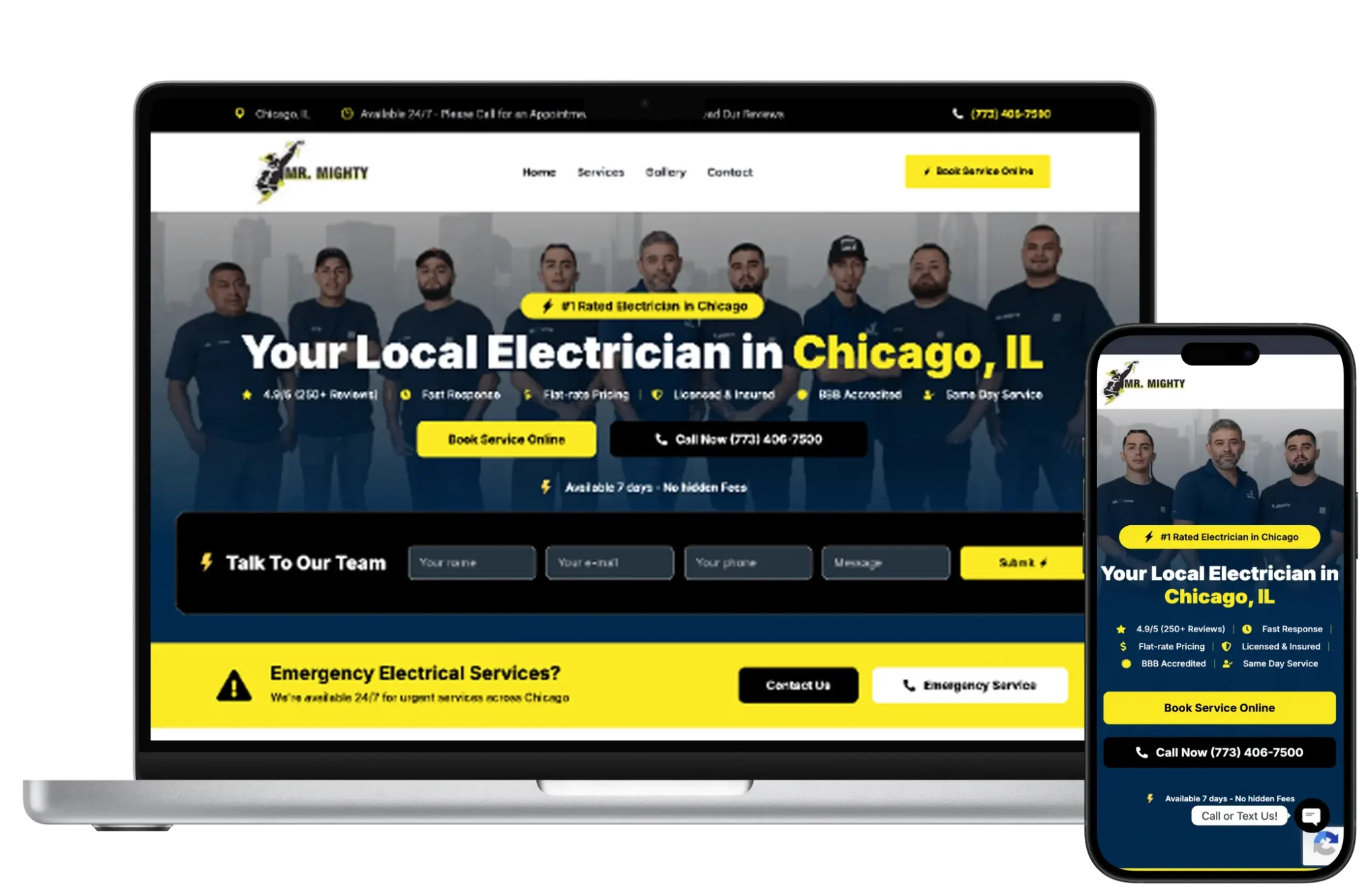


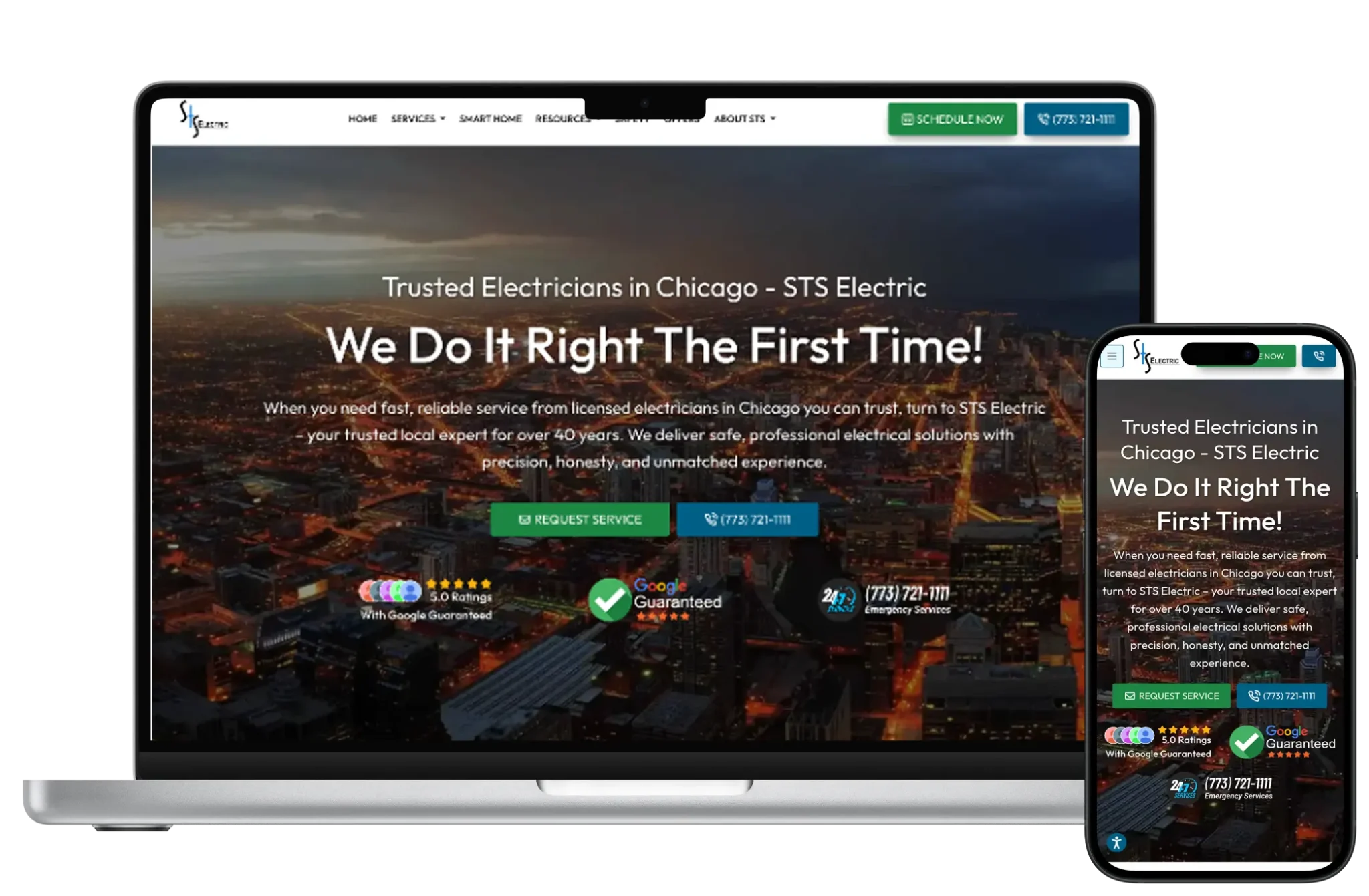
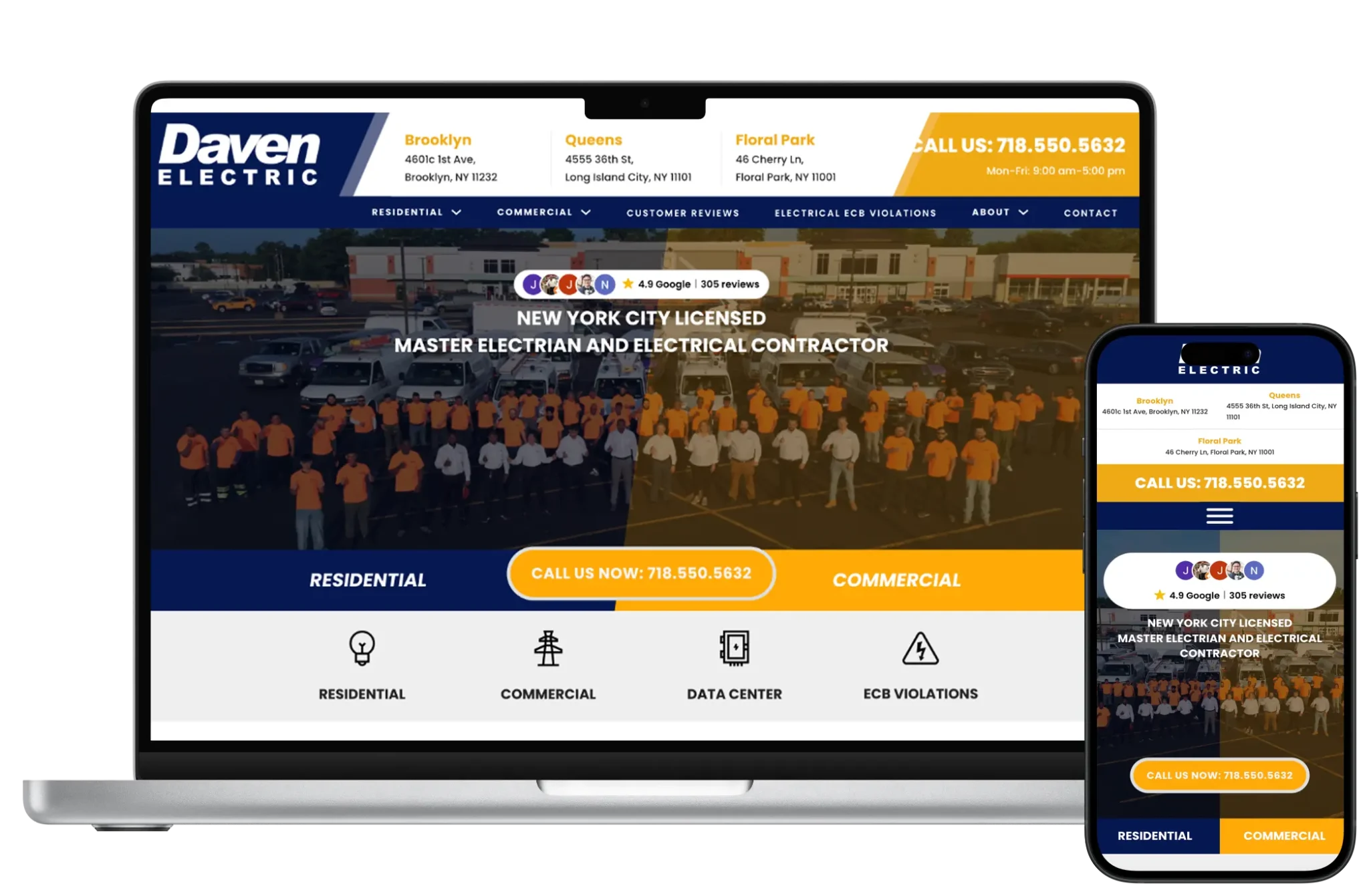



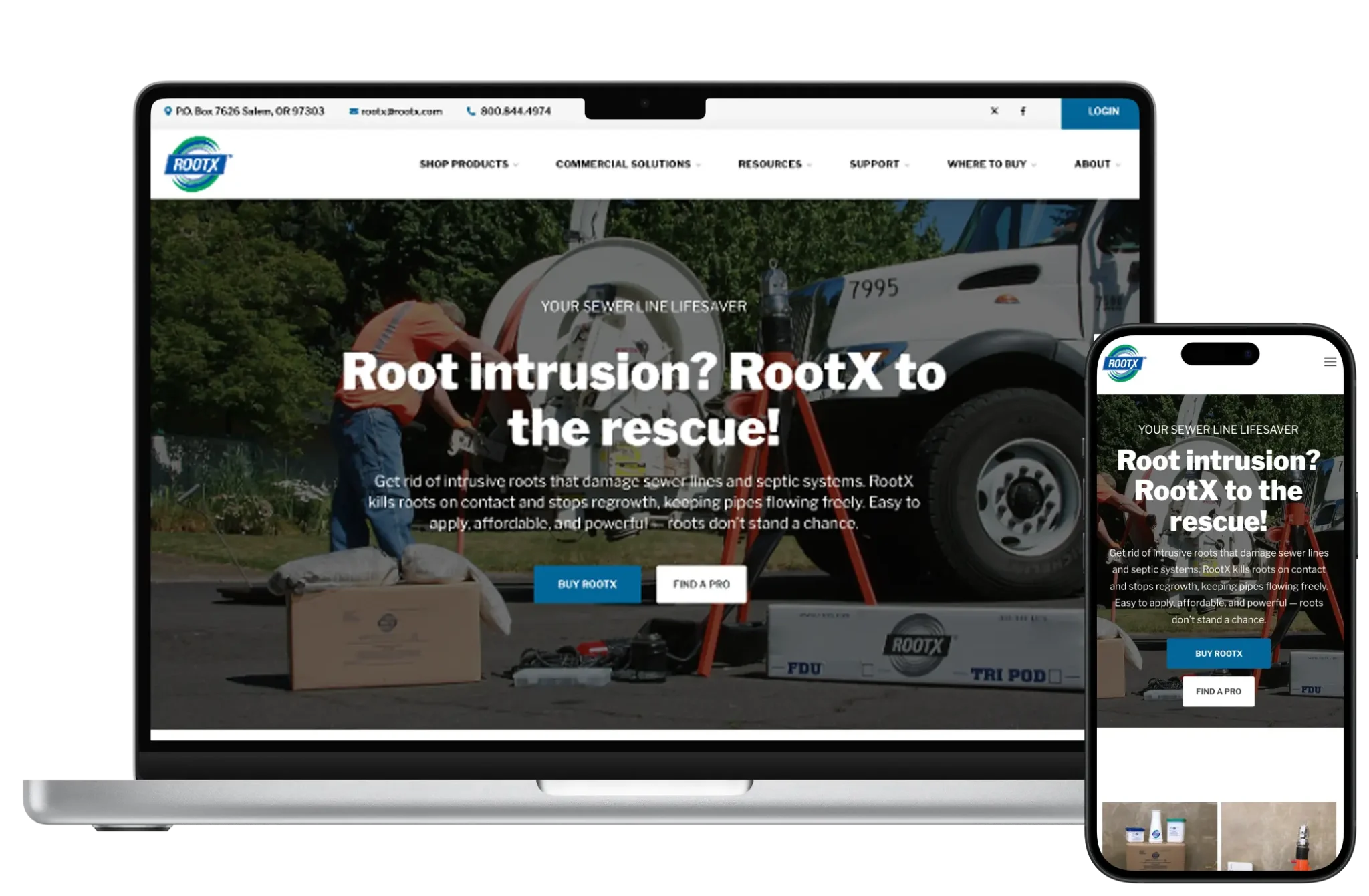


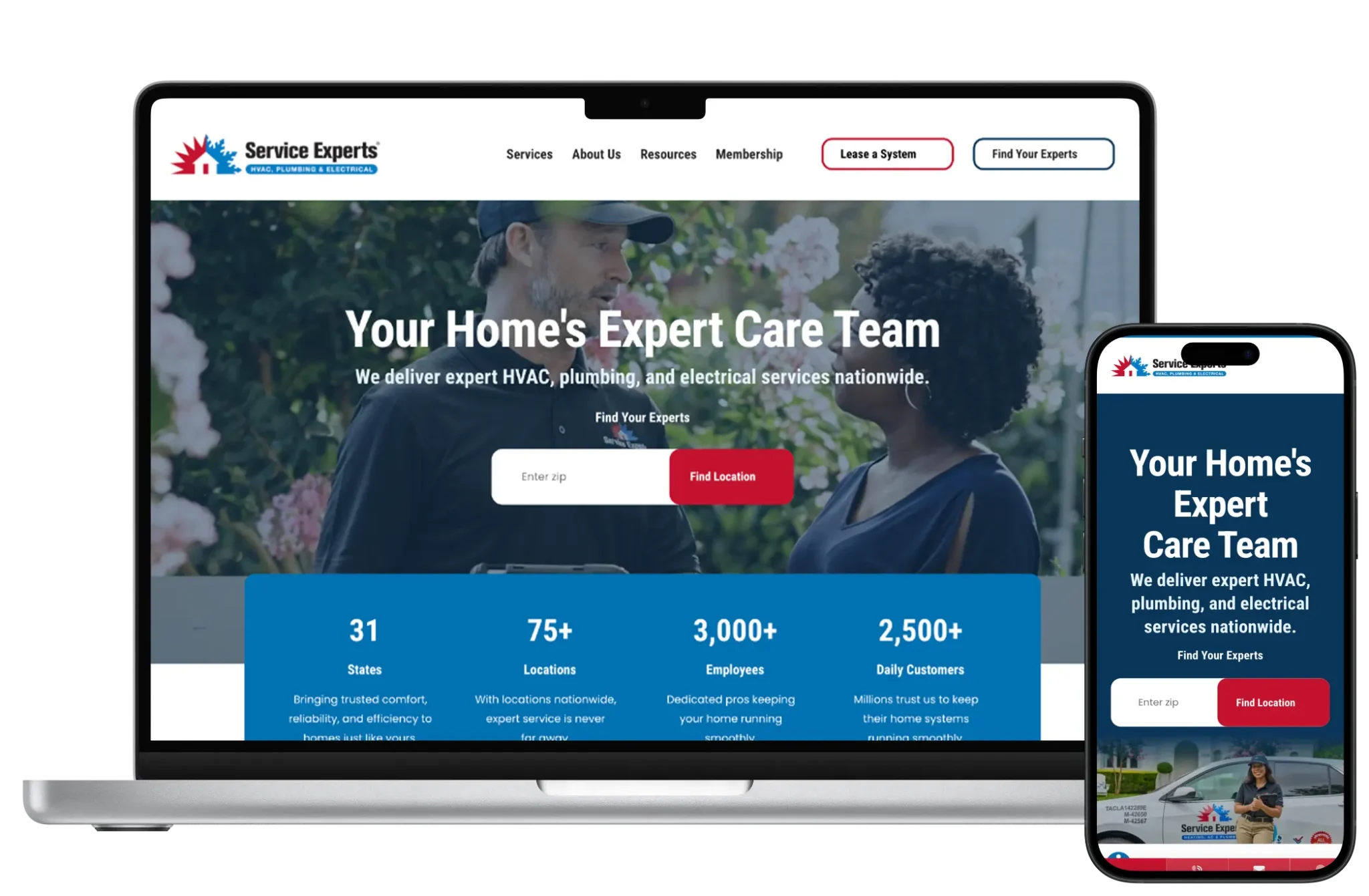
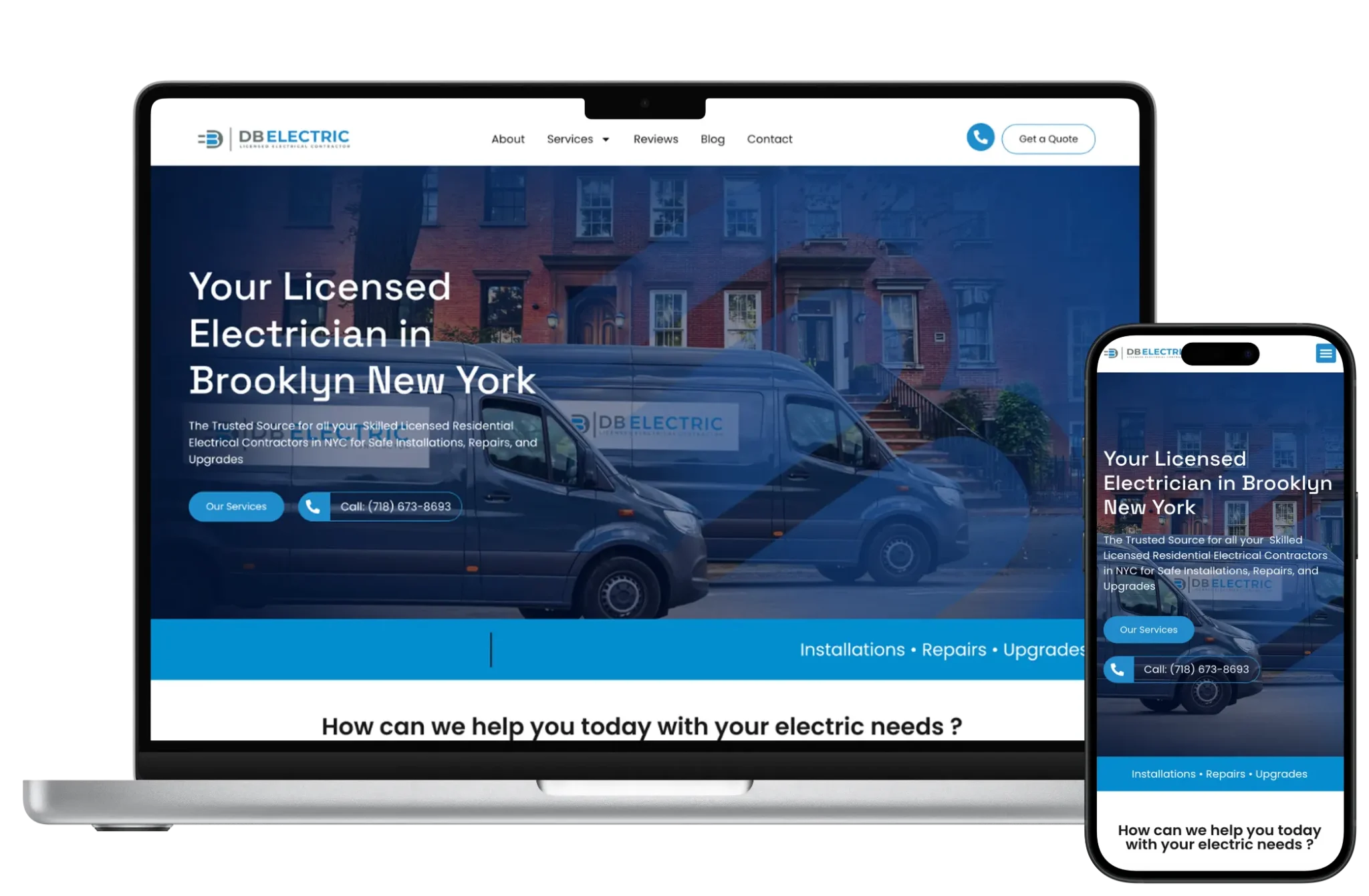

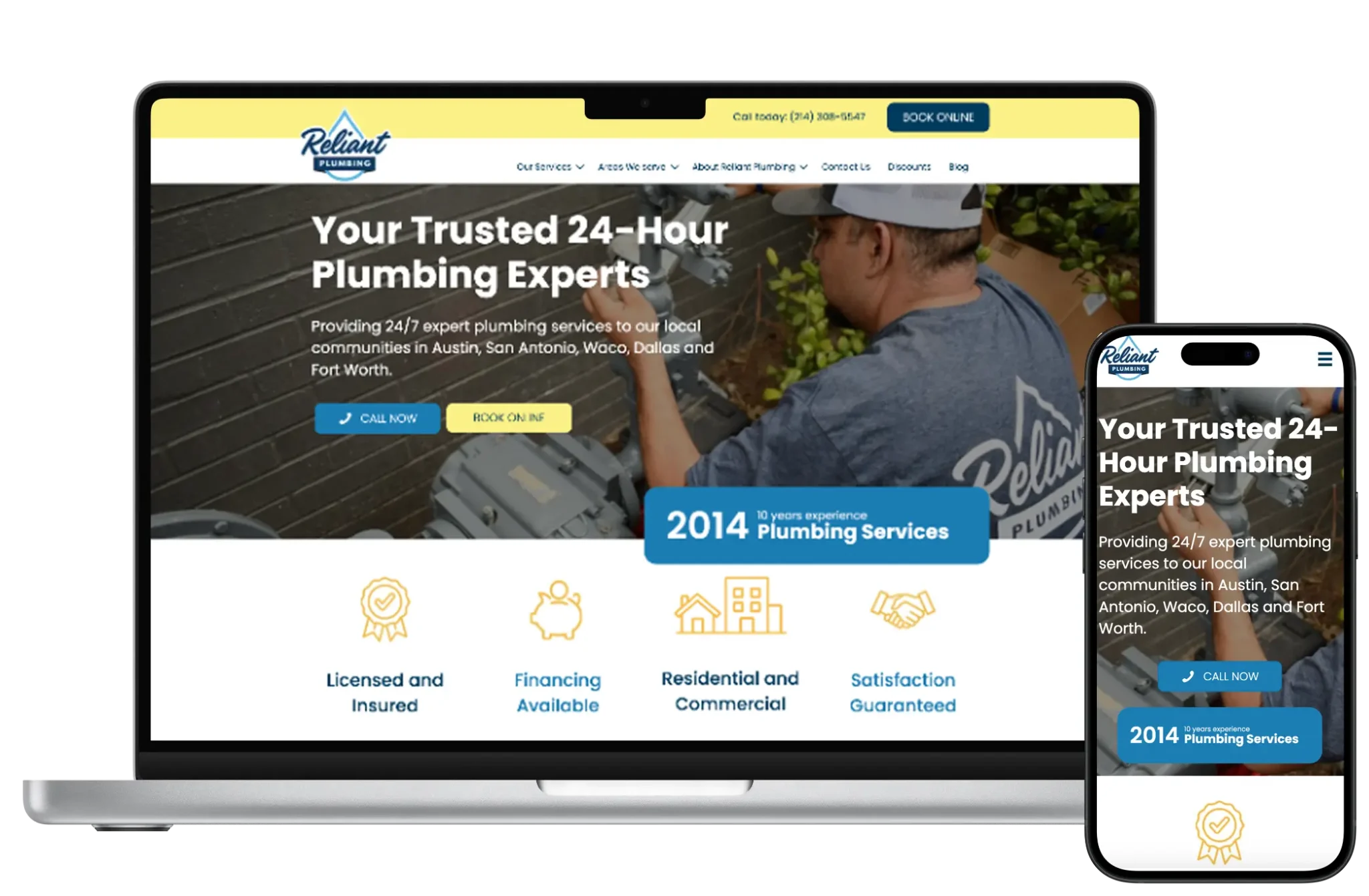
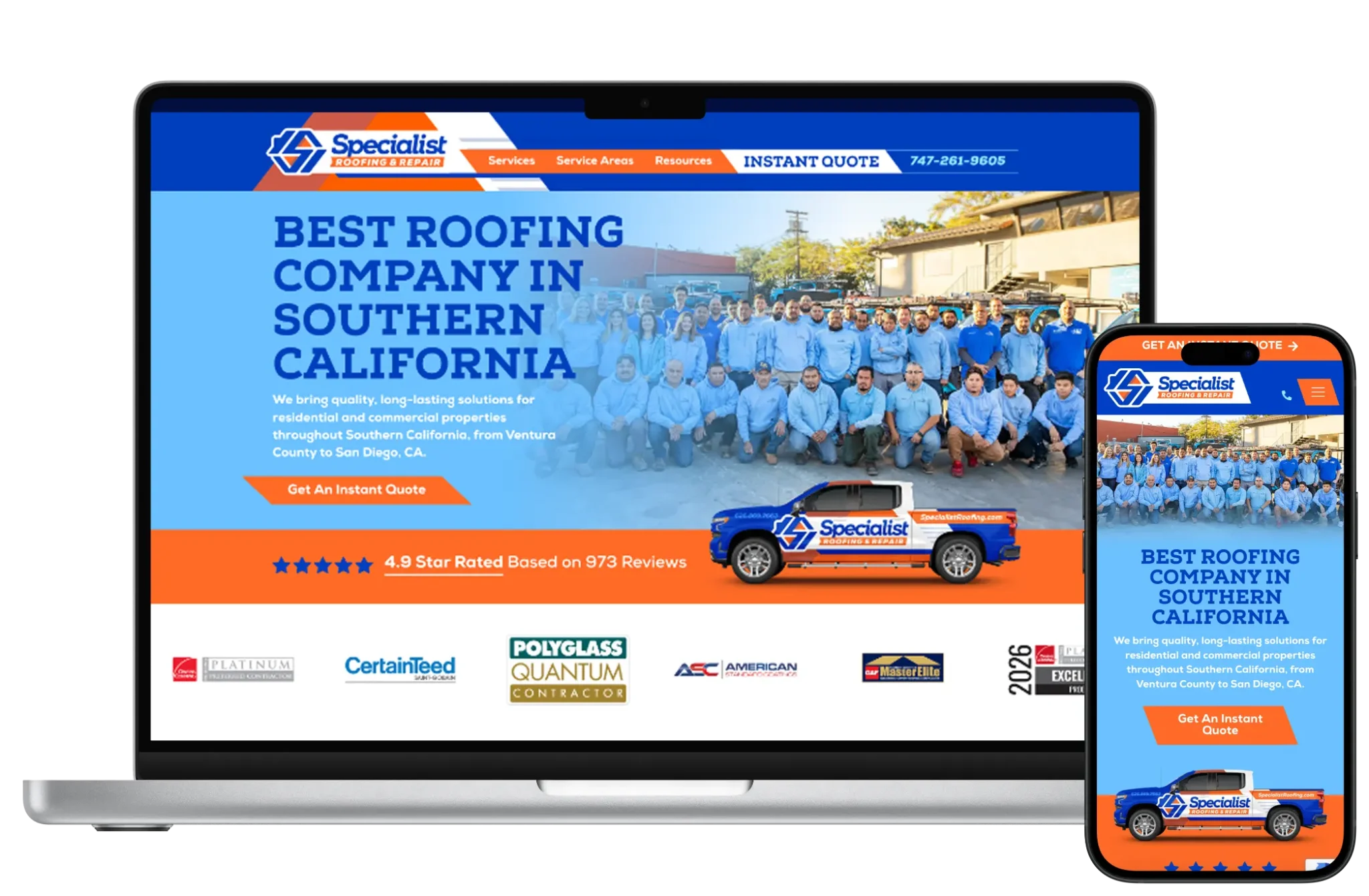

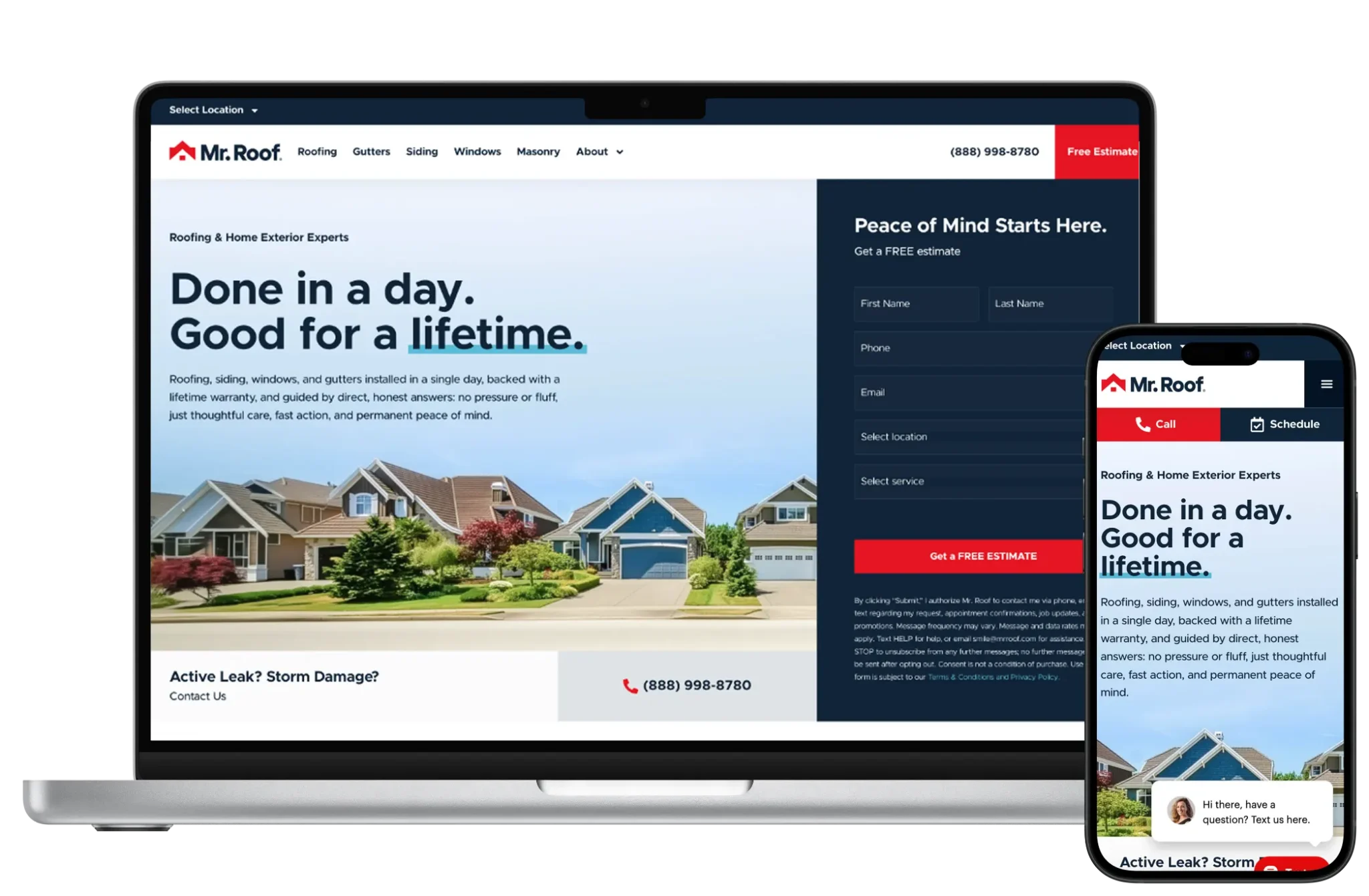




Design for Elementor means defining locked sections and global styles so brand consistency survives marketer edits. We prioritize conversion clarity over widget novelty — no hero sticker piles or competing CTAs.
When visual freedom would harm performance or governance, we redesign components for Gutenberg or Bricks instead of forcing Elementor to behave like a lightweight theme.

Implementation includes template kits we control, custom CSS where needed, form integrations, and staging update workflows. We disable unused widgets and avoid third-party add-on sprawl.
Development also means knowing when to stop: complex application UI does not belong in Elementor widgets.

Elementor can output crawlable content if headings and text stay in the DOM — not trapped in non-indexable experiments. We keep templates semantic and metadata fields connected via SEO plugins.
Performance affects UX and ad quality scores; SEO strategy includes builder restraint. No ranking guarantees.

Maintenance focuses on Elementor/WordPress updates, template regression checks, and cleaning abandoned sections after campaigns.
Monthly capacity builds new landers from approved components rather than freeform pages each time.
Yearly plans that include design, development, maintenance and SEO foundations — without a large upfront project fee.
For small businesses that need a professional site without a large upfront build.
Best for local and service businesses ready to generate more leads every month.
For growing brands that need ongoing development, SEO and conversion work.
Large sites, complex integrations, multi-location brands and custom applications.
Elementor Pro (if used) and hosting are vendor costs separate from 66sites. Free Elementor still rides on WordPress hosting you pay for.
66sites subscription plans cover design system setup, builds, maintenance, and SEO. Performance-sensitive projects may cost more in setup when we need cleaner architecture than default Elementor habits.
Elementor without governance becomes a junk drawer. An agency sets the system: allowed components, performance budgets, and update process.
66sites also advises when to switch to Bricks or Gutenberg so you are not locked into a heavier stack by inertia.
Full notes for challenges, strategy and supporting pages — so the sections above stay scannable.
Elementor fits WordPress sites that need frequent landing pages, marketers who want visual control, and teams accepting some front-end weight in exchange for speed of assembly — especially on Growth/Pro retainers where we can keep templates governed.
Avoid Elementor as the default when Core Web Vitals are already struggling, when you want the leanest possible WordPress front end, or when Bricks/Gutenberg can deliver the same outcomes with less runtime cost. Global sites with heavy traffic should decide deliberately.
Security remains WordPress hygiene plus keeping Elementor and add-ons patched. Fewer add-ons mean less attack surface.
Role controls should prevent untrusted users from installing new widgets casually.
Compared with Bricks or well-built block themes, Elementor typically ships more runtime assets. We mitigate with disciplined templates, image compression, caching, and saying no to heavy widgets.
If budgets cannot meet performance goals, migrating key templates off Elementor is a valid engineering decision — not a moral failure.
Moving onto Elementor from classic themes is common for marketing teams; we rebuild templates rather than importing chaos. Moving off Elementor to Bricks/Gutenberg/custom themes requires redesign of components and careful QA.
URL stability remains a WordPress concern either way — redirects still matter.
Straight answers about scope, pricing, ownership and what a subscription includes for this page.
It can be heavier than lean alternatives. Disciplined builds help; they do not erase the trade-off versus Bricks or custom block themes.
Elementor often wins on familiarity and marketing velocity. Bricks often wins on cleaner output and performance-minded workflows. We choose based on goals, not hype.
Yes if we lock globals and train on approved sections. Freeform editing without rules will drift.
When it helps maintain headers/archives consistently. We still prefer intentional templates over dumping everything into the canvas.
Yes, with a redesign of components. Plan for real build effort — not a one-click converter.
No builder guarantees rankings. SEO depends on content, IA, and technical health.
Often for Theme Builder and marketing features. We only recommend Pro when those capabilities are actually used.
Updates with QA, new landers from the system, performance cleanups, and SEO iteration under your plan.
Governed templates, performance budgets, and monthly WordPress care — or an honest path to Bricks/Gutenberg.